



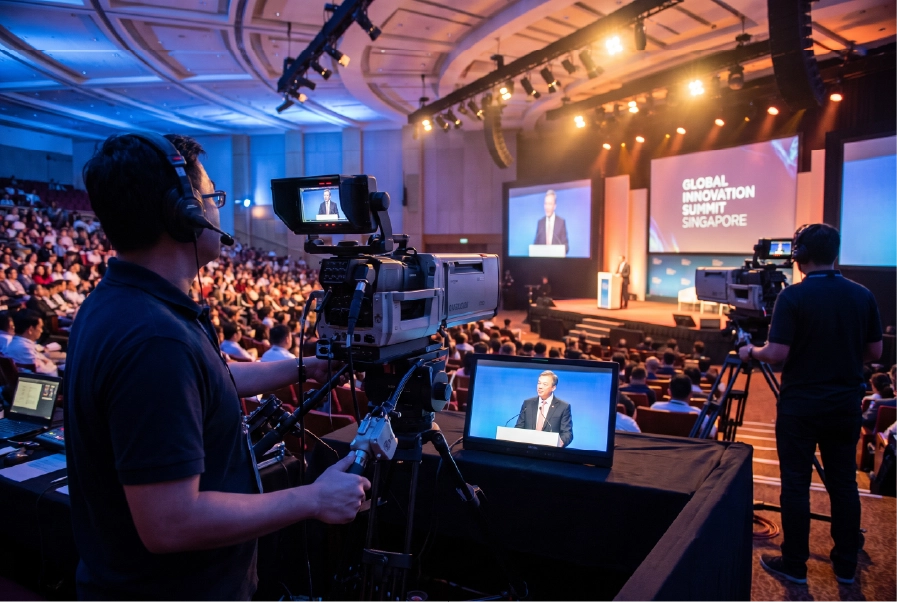
Introduction
A room seats only so many people. A stream doesn’t. That’s why live streaming and hybrid events have become standard for conferences, launches, and corporate events in Singapore rather than an optional extra.
But a professional broadcast is far more than pointing a webcam at a stage. This guide covers what live streaming and hybrid events involve, the equipment and platforms you’ll need, how to plan one properly, and the technical mistakes that turn a polished event into an awkward one.
Live streaming vs hybrid events: what’s the difference?
- Live streaming broadcasts your event to a remote audience over the internet in real time. The focus is reaching people who can’t attend in person.
- A hybrid event runs a full in-person experience and a remote one simultaneously, with both audiences treated as first-class participants — often including two-way interaction between them.
Every hybrid event includes live streaming, but not every live stream is a true hybrid event. Decide early which you’re running, because hybrid demands more planning around engaging the remote audience, not just transmitting to them.
Do you need a simple stream or a full hybrid production?
This is the first decision to make, because it drives your budget, crew, and platform. The more your answers fall in the right-hand column below, the more you need full hybrid production rather than a basic stream.
Consideration | A simple live stream is enough | You need full hybrid production |
Goal | Reach or record; remote viewers mostly watch | Remote and in-room audiences both participate |
Stakes | Internal update, webinar, community session | Flagship conference, product launch, AGM |
Content | One or two speakers, mostly talking heads | Multiple sessions, panels, video, awards |
Interaction | One-way, maybe a chat box | Two-way Q&A, polls, remote speakers |
Production | Single camera, clean audio feed | Multi-camera, vision mixing, graphics, crew |
Rule of thumb: if the remote audience only needs to watch, a clean single-camera stream will do. The moment they need to interact — or the event is high-stakes enough that it has to look broadcast-quality — you’re in hybrid-production territory.
Why live stream your event?
- Extend your reach far beyond the room’s capacity
- Include audiences who can’t travel — overseas, regional, or time-poor attendees
- Create lasting content — recordings become on-demand video, clips, and highlights
- Add measurable data — view counts, watch time, and engagement you can’t get in a room
- Increase accessibility — more people can take part on their own terms
The essential live streaming setup
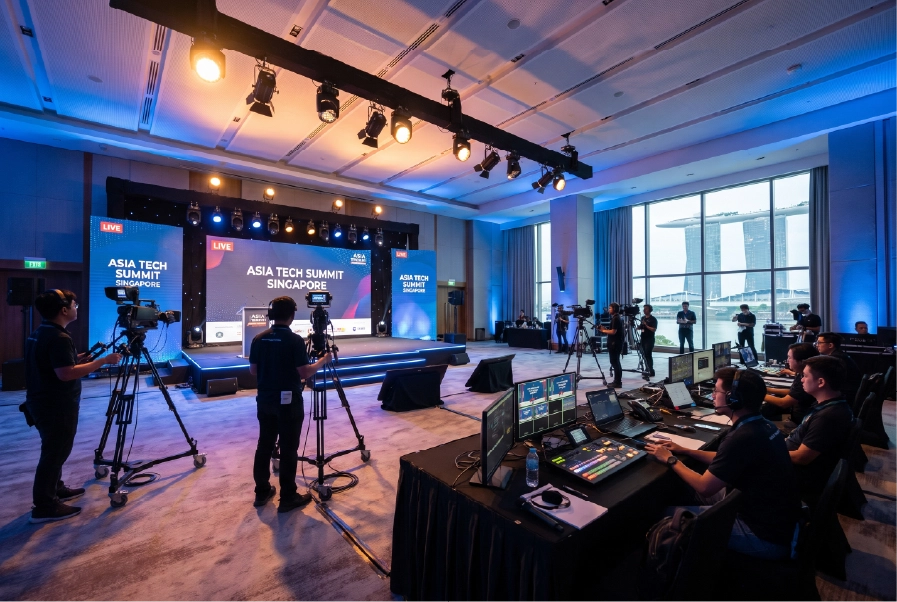
Cameras
At minimum, one good camera with a clean feed; for anything important, multiple cameras and an operator give you angles, cutaways, and a far more professional broadcast. Static webcams rarely cut it for serious events.
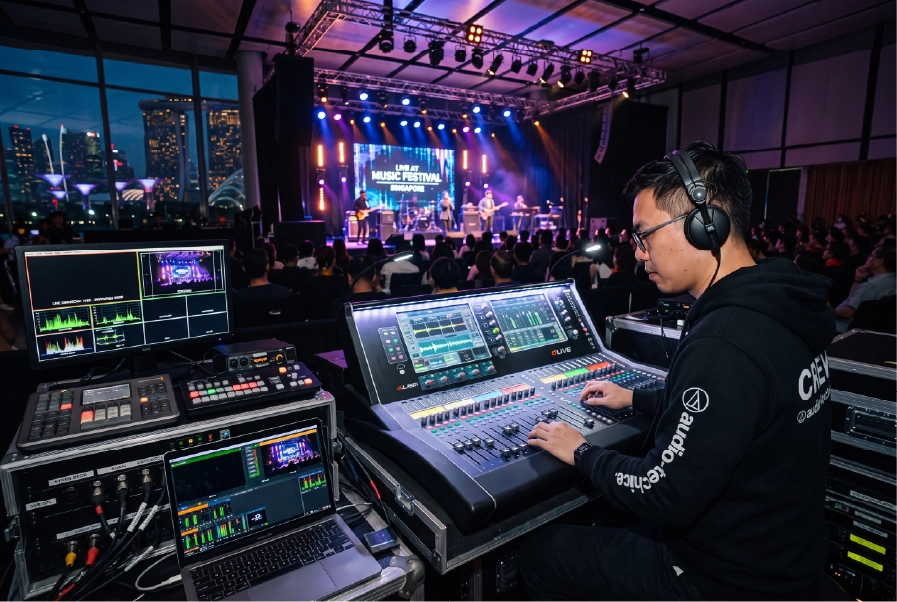
Audio
Audio quality matters more than video quality for a watchable stream. Feed clean, mixed sound directly from the event’s audio system to the stream — never rely on a camera’s built-in mic.

Vision mixing and switching
A vision mixer lets you cut between cameras, slides, video playback, and graphics live, producing a broadcast that holds attention rather than a single locked-off shot.
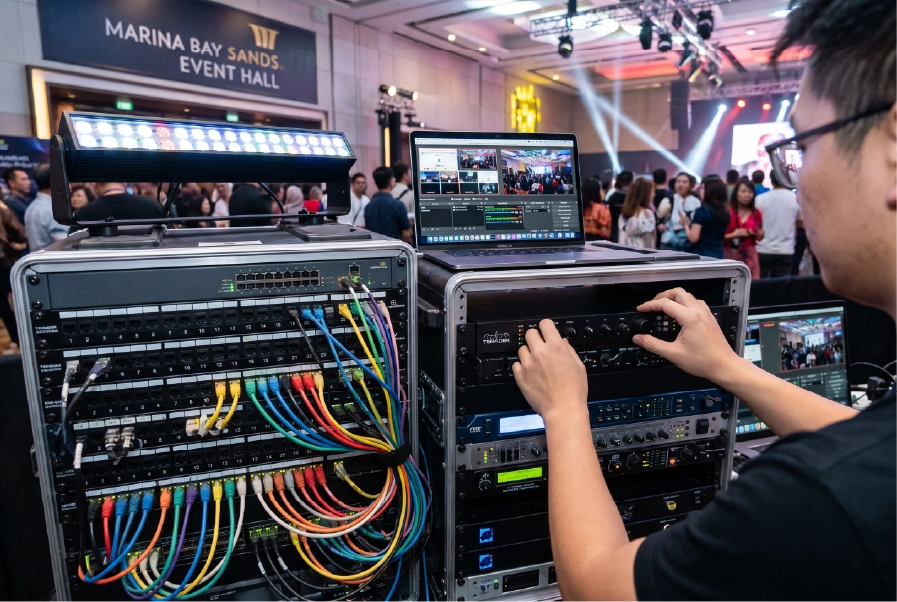
Encoding
An encoder (hardware or software) converts your video and audio into a stream the platform can broadcast. This is a critical, often-overlooked link in the chain.

Internet connection
A stable, dedicated, hardwired internet connection is non-negotiable. Shared venue Wi-Fi is the most common cause of stream failures — always arrange a dedicated line with enough upload bandwidth, plus a backup.

Graphics and branding
Lower-thirds (speaker names/titles), holding slides, intro/outro screens, and on-brand overlays make the difference between a webcam call and a broadcast.

Lighting
Good lighting is as important on camera as in the room. Speakers need to be well lit and not backlit, or the stream looks amateurish regardless of camera quality.
Choosing a streaming platform
There’s no single best platform — the right one depends on who you’re trying to reach and what you need them to do. Use this to match the platform to your goal:
If your priority is… | Choose | Because |
Maximum public reach | Open social/video platforms (YouTube, Facebook, LinkedIn Live) | Free, discoverable, and familiar to audiences — best for launches and announcements |
A registered, private audience | Webinar/virtual-event platforms (Zoom Webinar, ON24, Hopin-style tools) | Registration, access gating, analytics, and built-in Q&A and polls |
Both at once | Multi-destination streaming (via a switcher or restreaming service) | Push one feed to several platforms simultaneously |
On-demand afterwards | Platform with hosting, or a dedicated video host | Recordings become gated or public on-demand content post-event |
Whichever you pick, weigh registration, audience interaction (Q&A, polls, chat), analytics, security and access control, and whether you need on-demand hosting afterward.
How to plan a live streamed or hybrid event
- Define the remote audience experience. Decide what online viewers should see, do, and feel — don’t treat them as an afterthought.
- Design content for two audiences. Pacing, visuals, and breaks that work in a room can drag online; plan for both.
- Lock the technical setup early. Cameras, audio routing, encoding, internet, and platform should be confirmed well ahead.
- Build in interaction. Live Q&A, polls, and chat keep remote viewers engaged rather than passive.
- Rehearse the full chain end to end. Test cameras, audio, stream, graphics, and remote speaker links with real content.
- Have redundancy. Backup internet, backup encoder, and a contingency plan for the moments things go wrong.
- Record everything. Capture a clean master recording for post-event content and repurposing.
Common live streaming mistakes to avoid
- Relying on venue Wi-Fi. The number one cause of dropped streams. Get a dedicated, wired connection.
- Neglecting audio. Viewers forgive imperfect video far more than bad sound.
- Skipping the technical rehearsal. Always run the entire chain before going live.
- Ignoring the remote audience. A camera pointed at an in-person event isn’t a hybrid event.
- No backup. Single points of failure in internet, power, or encoding can end the broadcast.
- Poor lighting. Underlit or backlit speakers undermine an otherwise good stream.
Frequently asked questions
As a rough guide, a basic single-camera stream with a clean audio feed and one operator typically starts in the low four figures for a half or full day. A two- to three-camera setup with vision mixing, branded graphics, and a small crew commonly runs in the mid four to low five figures. A full hybrid production — multi-camera, programmed graphics, remote-speaker integration, dedicated connectivity with backup, and a recording deliverable — scales up from there. The main cost drivers are the number of cameras and crew, graphics and branding complexity, connectivity and redundancy, event duration, and whether you need edited content afterward. Share your format, duration, and platform for an accurate quote.
For casual content, yes — but for conferences, launches, and corporate events, a professional multi-camera setup with proper audio, lighting, encoding, and a dedicated connection produces a far more credible result.
You need a stable connection with sufficient upload bandwidth for your chosen resolution, ideally hardwired and dedicated rather than shared venue Wi-Fi. A provider will confirm the exact requirement based on your stream settings.
A webinar is typically an online-only presentation, while a hybrid event runs a full in-person event and an online experience at the same time, engaging both audiences together.
Broadcast your event the professional way with INX
A great live stream looks effortless because everything behind it — cameras, audio, encoding, connectivity, and crew — was planned and rehearsed. INX provides professional live streaming and hybrid event production in Singapore, integrated with full audio, visual, and lighting services, so the broadcast and the room are handled by one team rather than stitched together on the day.